-
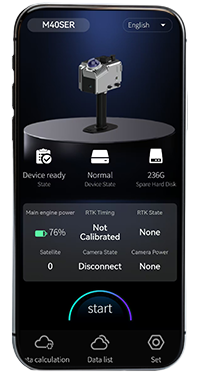 GoSLAM Manager APP
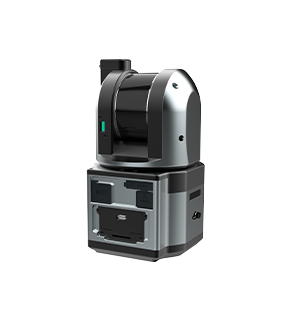
The GoSLAM Manager (Phone APP) of the new GoSLAM T-i/M40 series scanners integrates device configuration, acquisition control, status monitoring, real-time point cloud preview and solution control functions, and supports multi-mode scanning, suitable for various operation scenarios.
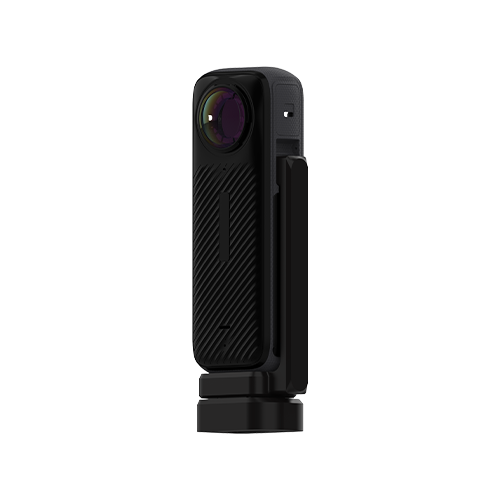
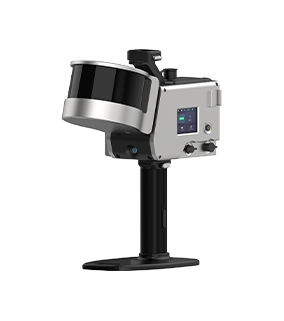
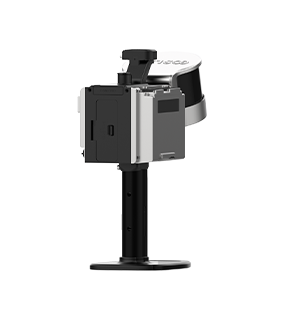
Compatible products: T-i series and M40 series productsRetract
GoSLAM Manager APP Version 4.0.8088 Release Notes
Update Content:
1. Modify the selection box display exception issue in the professional mode of the solution parameter settings
2. Modify data scanning prompts
3. Modify the abnormal pop-up prompt for m40 and t-i series scanning
4. Modify Bluetooth search for one machine with two names error
GoSLAM Manager iOS version application compatibility instructions
1. Applicable device models
The GoSLAM Manager iOS version application supports two series of devices: M40 and T-i.
2. Restrictions and Requirements for Using RTK Function
The aforementioned device models can only support the RTK function when matched with the following serial number ranges, and a dedicated Bluetooth service update and firmware upgrade are required before use:
M40 model: devices with a serial number prefix of M07Z (serial number format: M07Z*****)
T-i model: Devices with serial numbers containing the character segment T***Z (serial number format: T***Z ******)
3. Instructions for using other serial number devices
The M40 and T-i devices which are not in the aforementioned serial number range, all functions can operate normally except for the RTK function, which cannot be enabled.
4. Obtain the Bluetooth service upgrade firmware
from the exclusive download link on the GoSLAM official website:
Log in to the "Firmware" section on the GoSLAM official website (https://www.goslam.com/gujian?proid=8|22), and select the Bluetooth service upgrade firmware corresponding to the device model (M40/T-i) and IOS system.